
How to change your Partitaiva24 Cloud password
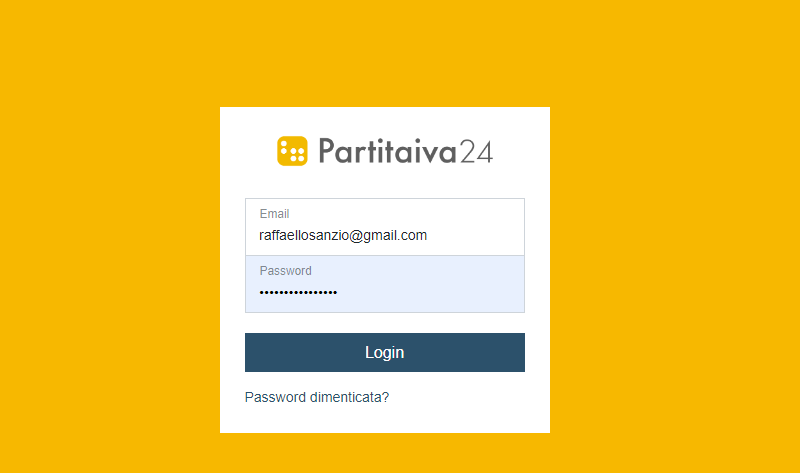
If you want to change the password for your Partitaiva24 Cloud you will first need to log in to the platform.
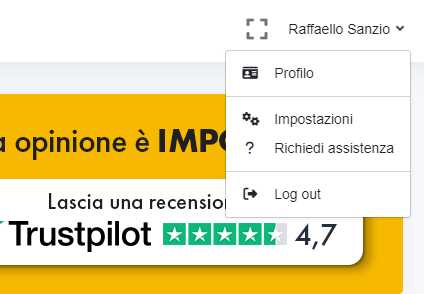
Once in the dashboard, click on your name at the top right and then select the option: 'settings' > 'password'.

Enter your current password, the new one you want to use, repeat it for confirmation and then click 'save' to permanently change your password.